Looking for a job in 2026 involves much more than finding vacancies and clicking Apply. Job seekers may need to create an ATS-friendly resume, tailor applications to different job descriptions, improve their LinkedIn profile, prepare for interviews, write cover letters, identify suitable roles, and keep track of multiple applications.
AI tools can help with many of these tasks.
But not every AI career tool is equally useful, and a tool that works well for a job seeker in the US may not necessarily be the best fit for someone searching for jobs in India. Features, job-board coverage, pricing, availability, and even the type of resume expected can vary.
To make this list more useful, we looked at tools across the main stages of the job search, including tips for crafting a winning resume, ATS checking, job matching, LinkedIn optimization, interview practice, cover letters, and career development.
We also considered free options, current features, limitations, and relevance to Indian job seekers.
Important: AI-generated resumes, cover letters, answers, and career advice should always be reviewed by you. Never allow an AI tool to invent experience, qualifications, achievements, or skills you do not actually have.
TL;DR
AI tools can simplify different stages of your job search, from building an ATS-friendly resume and tailoring applications to finding relevant jobs and practicing interviews. In this guide, we cover 15 AI tools for job seekers in India, including JobGrin, Jobscan, Rezi, Teal, Careerflow, Huntr, LinkedIn Premium Career, Yoodli, and others.
- For resume building: JobGrin, Rezi, Teal, Kickresume, and Careerflow
- For ATS checking and resume optimization: Jobscan, Rezi, Kickresume, and Resume Worded
- For job matching and application tracking: JobGrin, Teal, Huntr, myjobb AI, and Jobsapply
- For LinkedIn optimization: LinkedIn Premium Career, Careerflow, and Resume Worded
- For interview preparation: Yoodli, Teal, Final Round AI, and Big Interview
- For cover letters and application support: Rezi, Huntr, Teal, and AIApply
You don’t need to use all 15 tools. Choose tools based on the specific part of your job search you want to improve, and always review AI-generated content before submitting an application. Never allow AI to invent your experience, qualifications, skills, achievements, or certifications.
What Are AI Tools for Job Seekers?
AI job-search tools use artificial intelligence to help with specific parts of the job-search process.
Depending on the tool, AI can help you:
- Build or improve a resume
- Check a resume against a job description
- Identify missing keywords
- Write or improve resume bullet points
- Generate cover letters
- Find potentially relevant jobs
- Match your profile with job requirements
- Improve your LinkedIn profile
- Practice interview questions
- Analyze interview responses
- Identify skill gaps
- Plan your next career move
The important difference is that AI should assist your job search rather than automate every decision. This matters even more as AI changes the job market in India.
A high ATS score does not guarantee an interview, and generating hundreds of applications does not necessarily make a job search more effective. The better approach is to use AI where it saves time while keeping the important decisions under your control.
1. JobGrin Resume Builder – AI Resume Building
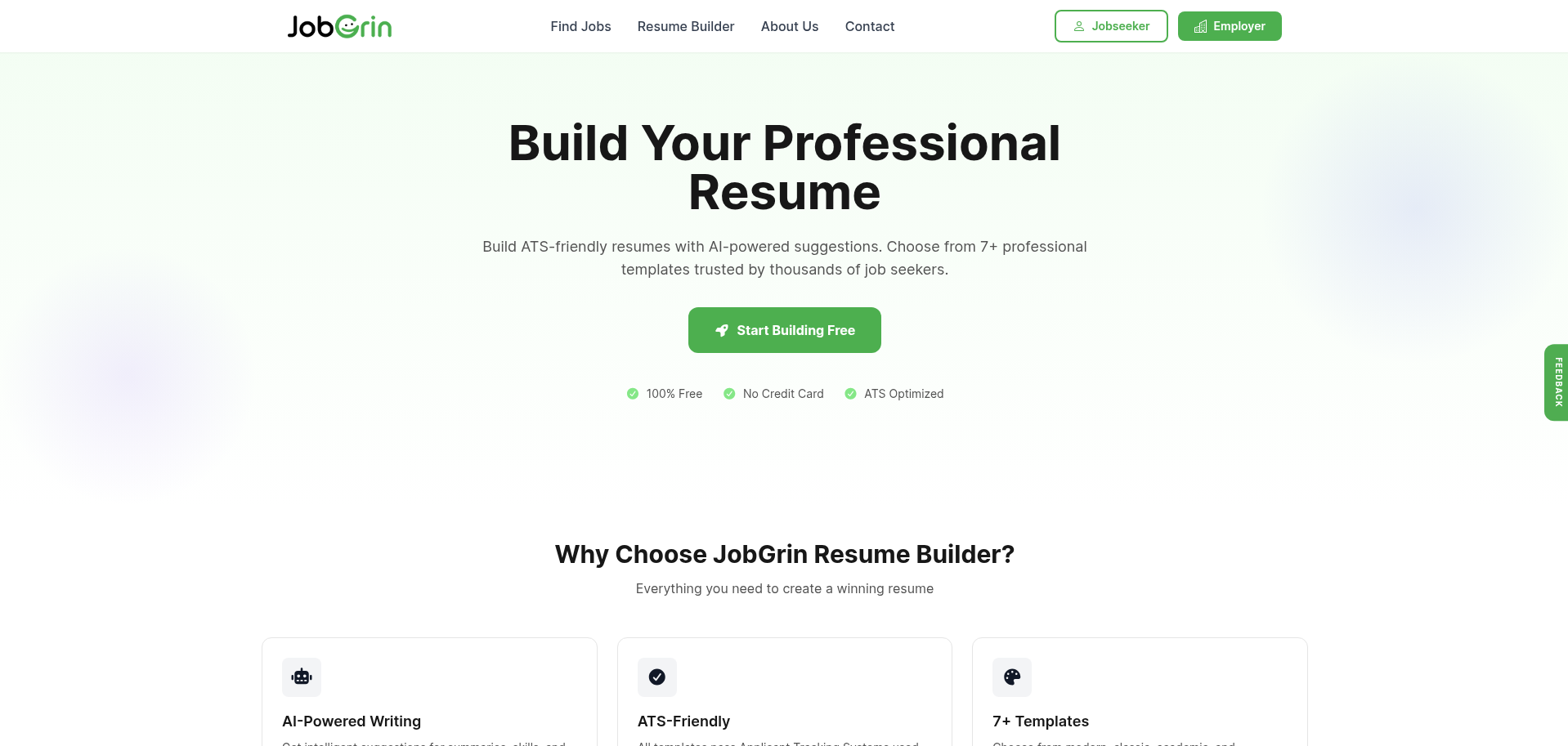
Best for: Job seekers in India who want to create an ATS-friendly resume for free.
JobGrin’s Resume Builder is designed for job seekers who want to create a professional resume without starting from a blank document. It provides AI-powered suggestions for areas such as summaries, skills, and experience descriptions. If you’re stuck on the opening lines, this guide on how to write a strong career objective will help.
The platform currently offers 7+ resume templates, live preview, ATS-focused formatting, and downloads in PDF and DOCX formats. It also provides an ATS score to help users review resume compatibility.
Key features
- AI-powered resume suggestions
- ATS-friendly templates
- Resume upload
- ATS score
- Live resume preview
- Multiple download formats
- Free access
Why Indian job seekers may find it useful
JobGrin is an Indian job portal, so its resume-building experience can be used alongside a job search focused on opportunities in India.
Free option: Yes.
Best use: Create your base resume, then tailor it to individual job descriptions.
2. Jobscan – ATS Resume Checking
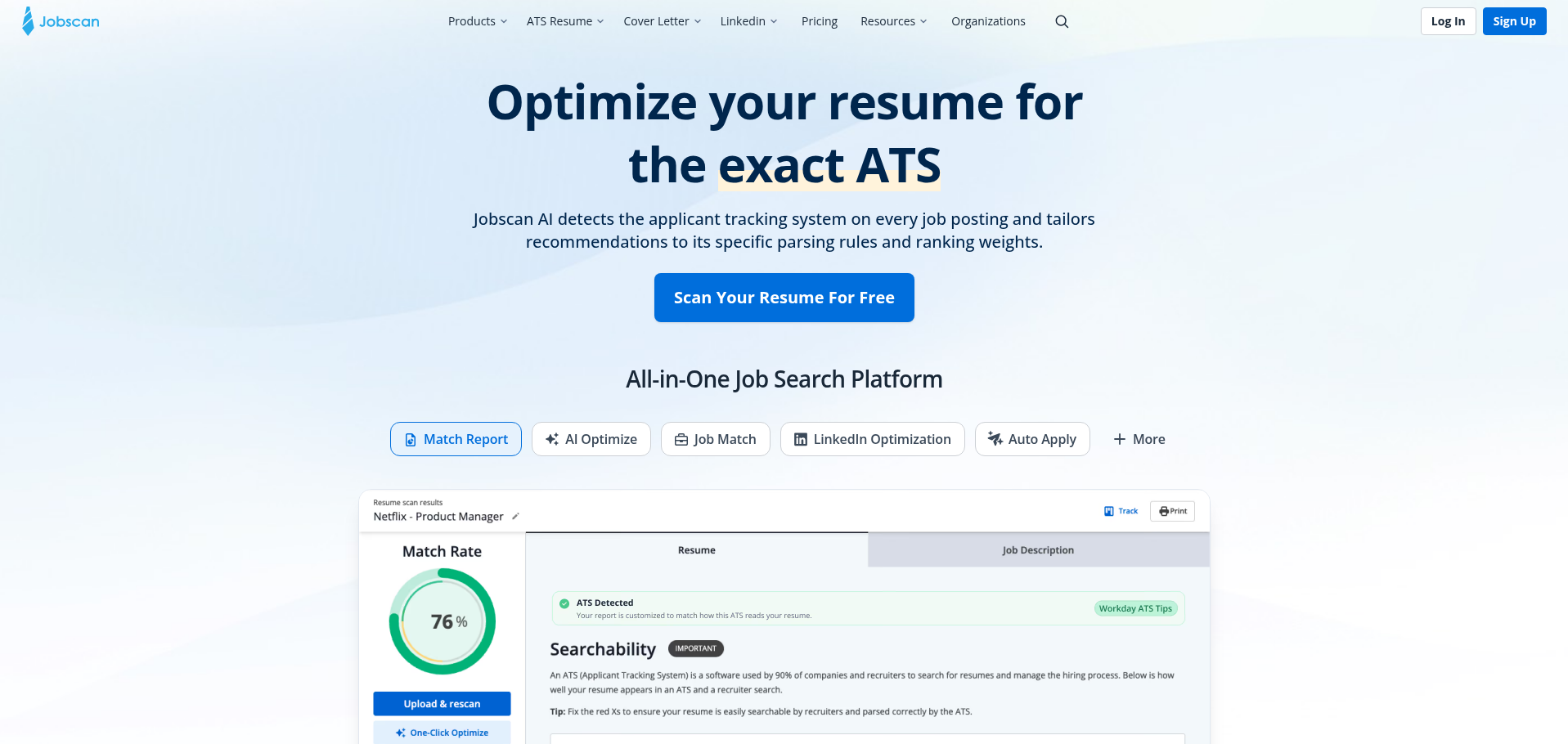
Best for: Checking how closely your resume matches a particular job description.
If you have searched for an ATS resume checker, Jobscan is one of the tools worth knowing.
Jobscan’s resume tools allow users to upload or create a resume and compare it against job requirements. Its resume builder includes ATS-friendly templates, job-specific skill suggestions, resume optimization, and a resume scanner.
The tool is particularly useful when you already have a resume but want to know whether it contains the relevant keywords and information for a specific vacancy.
Key features
- Resume scanning
- Job-description matching
- Keyword analysis
- ATS-focused resume templates
- Resume optimization
- AI-generated resume suggestions
- Cover-letter generation in premium features
Free option: Yes, with limitations depending on the feature.
Limitation: Advanced optimization features require a paid plan.
Best use: Run your resume against the actual job description before applying.
3. Rezi – AI Resume Builder and Resume Checker
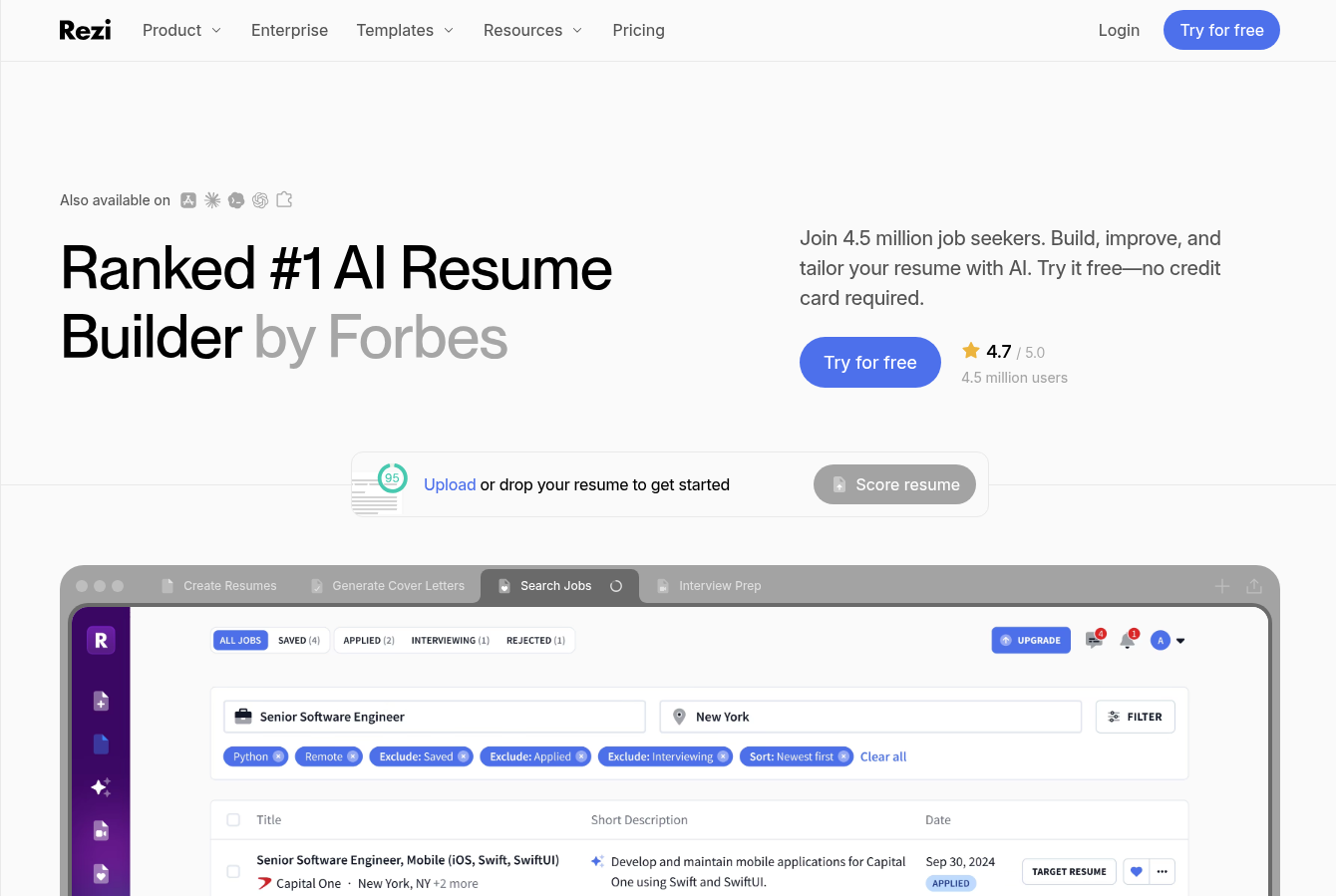
Best for: Creating and tailoring ATS-focused resumes.
Rezi combines an AI resume builder with resume editing, keyword targeting, resume scoring, cover-letter tools, and AI interview features.
Its current free plan includes one resume, one AI interview, three PDF downloads, an AI Resume Writer, AI Resume Editor, and standard templates. Rezi’s current Pro plan is listed at $29/month, while its lifetime plan is $149.
Key features
- AI Resume Writer
- AI Resume Editor
- Rezi Score
- Keyword targeting
- AI cover-letter writing
- AI interview practice
- ATS-focused resume creation
Free option: Yes.
Paid pricing: Pro $29/month; Lifetime $149 one-time payment. (Rezi Pricing)
Best use: Building a resume specifically around a target role.
4. Teal – Resume, Job Tracking and Interview Practice
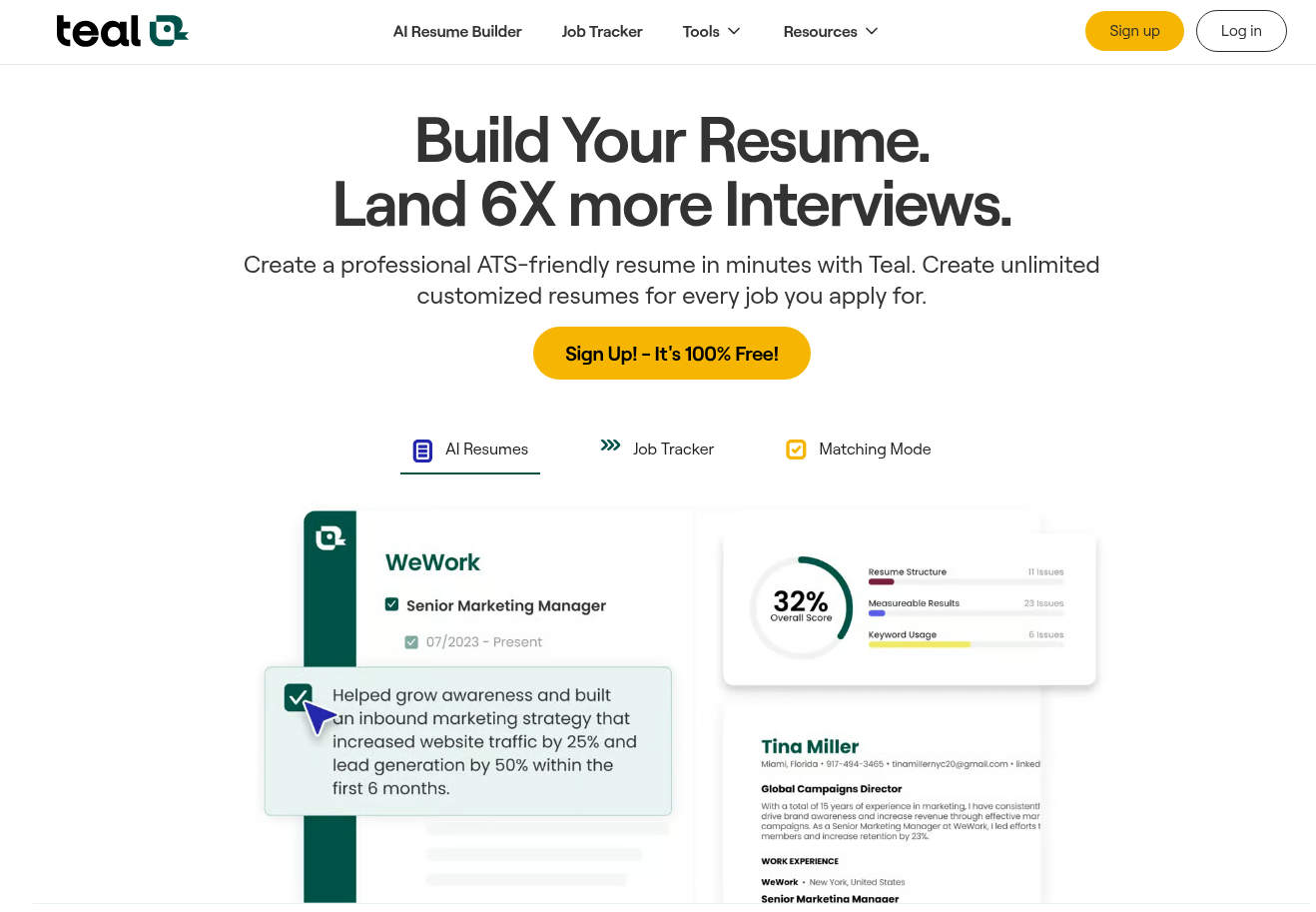
Best for: Managing multiple parts of your job search in one place.
Teal combines resume building, job tracking, job-description keyword matching, resume analysis, AI writing tools, cover letters, and interview practice.
Its free plan includes unlimited resumes and job tracking, while paid plans unlock more advanced keyword matching, resume analysis and AI features. Teal currently lists Teal+ at $13 per week, $29 per 30 days, or $79 per 90 days. (Teal Pricing)
eal’s AI Interview Practice Agent, 2026, allows users to practice interviews for saved roles. Free users can start up to two practice sessions, while Teal+ members receive unlimited interview practice. (Teal AI Interview Practice Agent)
Key features
- AI resume builder
- Job tracker
- Keyword matching
- Resume analysis
- AI resume bullets
- AI summaries
- AI cover letters
- AI interview practice
Free option: Yes.
Limitation: Some of the more advanced AI features require a paid plan.
Best use: Managing the complete application workflow rather than using a separate tool for every task.
5. Careerflow – Resume and LinkedIn Optimization
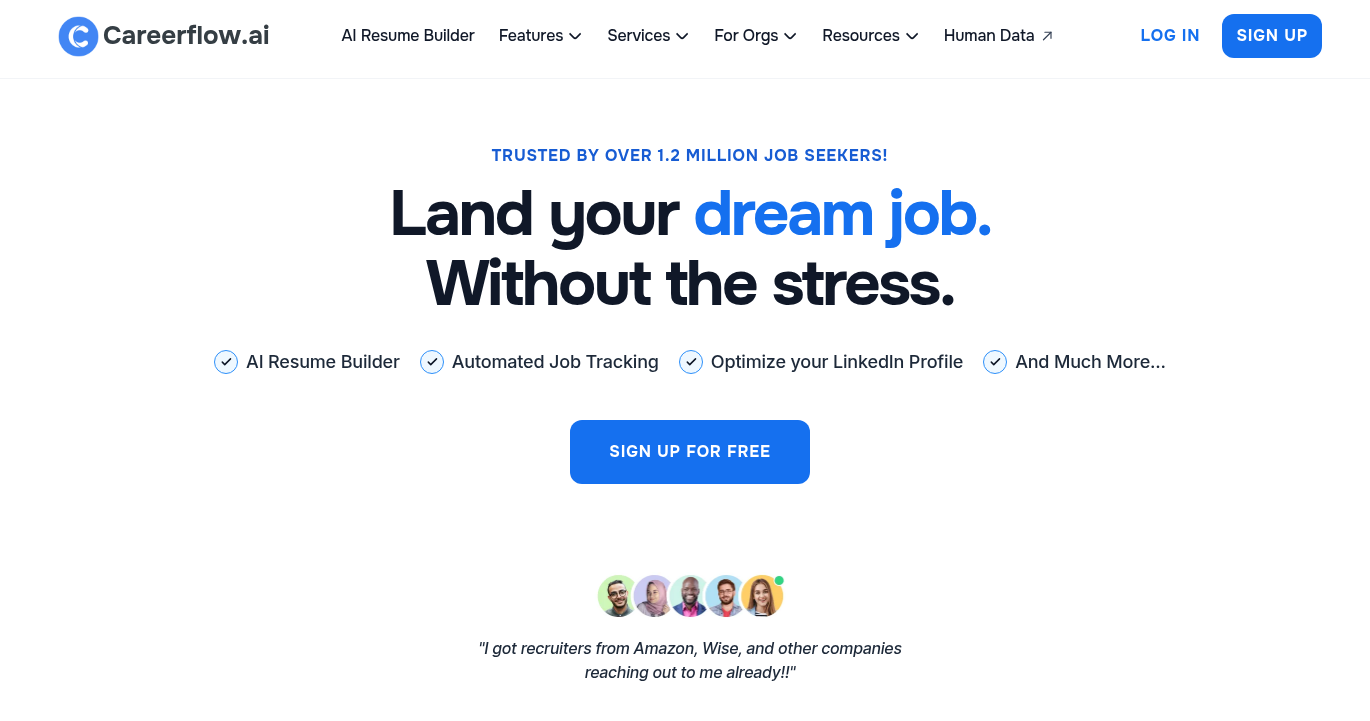
Best for: Job seekers who want resume and LinkedIn support together.
Careerflow combines several job-search tools, including an AI resume builder, resume analysis, LinkedIn optimization, job tracking, application autofill, and skill-gap analysis.
Its free plan currently includes limited access to several features, including the resume builder, LinkedIn optimizer, resume analysis, job tracker, and skill-gap analyzer. Paid plans add features such as unlimited AI resumes, ATS optimization, keyword analysis, cover-letter generation, and AI mock interviews.
Key features
- AI resume builder
- ATS optimization
- Resume analysis
- LinkedIn optimizer
- Skill-gap analysis
- Cover-letter generator
- AI mock interviews
- Job application tracker
Free option: Yes.
Best use: Improving both your resume and professional online profile.
6. Kickresume – AI Resume and Cover-Letter Builder
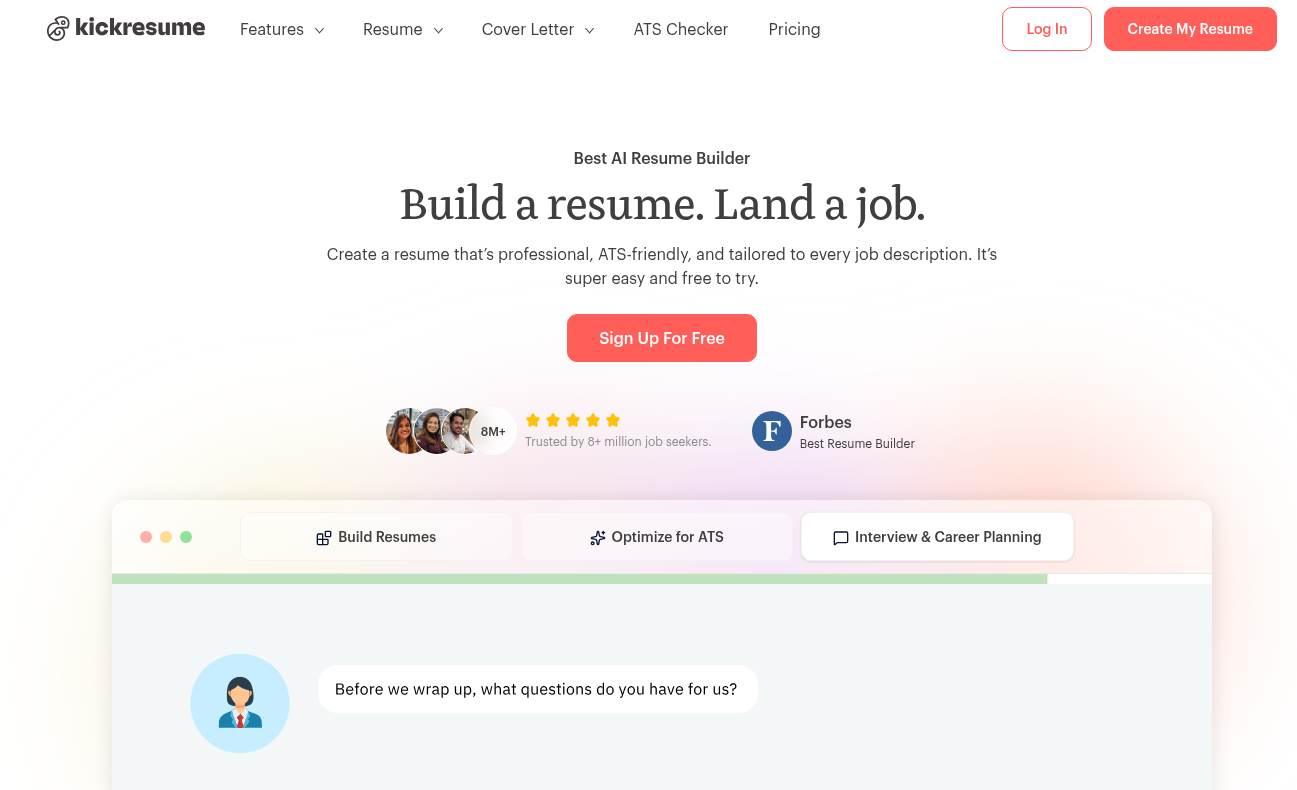
Best for: Job seekers who want resume templates plus AI writing assistance.
Kickresume combines resume templates, cover-letter templates, an AI Writer, ATS Resume Checker, Career Map, and LinkedIn/PDF import.
Its annual plan is currently listed at $8/month when billed annually, with monthly and quarterly options also available. (Kickresume Pricing)
According to Kickresume’s August 2026 ATS comparison, its ATS Resume Checker performs 20+ checks covering areas such as design, structure and content. (Kickresume’s ATS Resume Checker comparison)
Key features
- AI resume writer
- ATS resume checker
- Resume templates
- Cover-letter templates
- Career Map
- LinkedIn import
- PDF import
Free option: Limited access is available.
Best use: Creating a visually polished resume while keeping ATS considerations in mind.
7. Resume Worded – Resume and LinkedIn Feedback
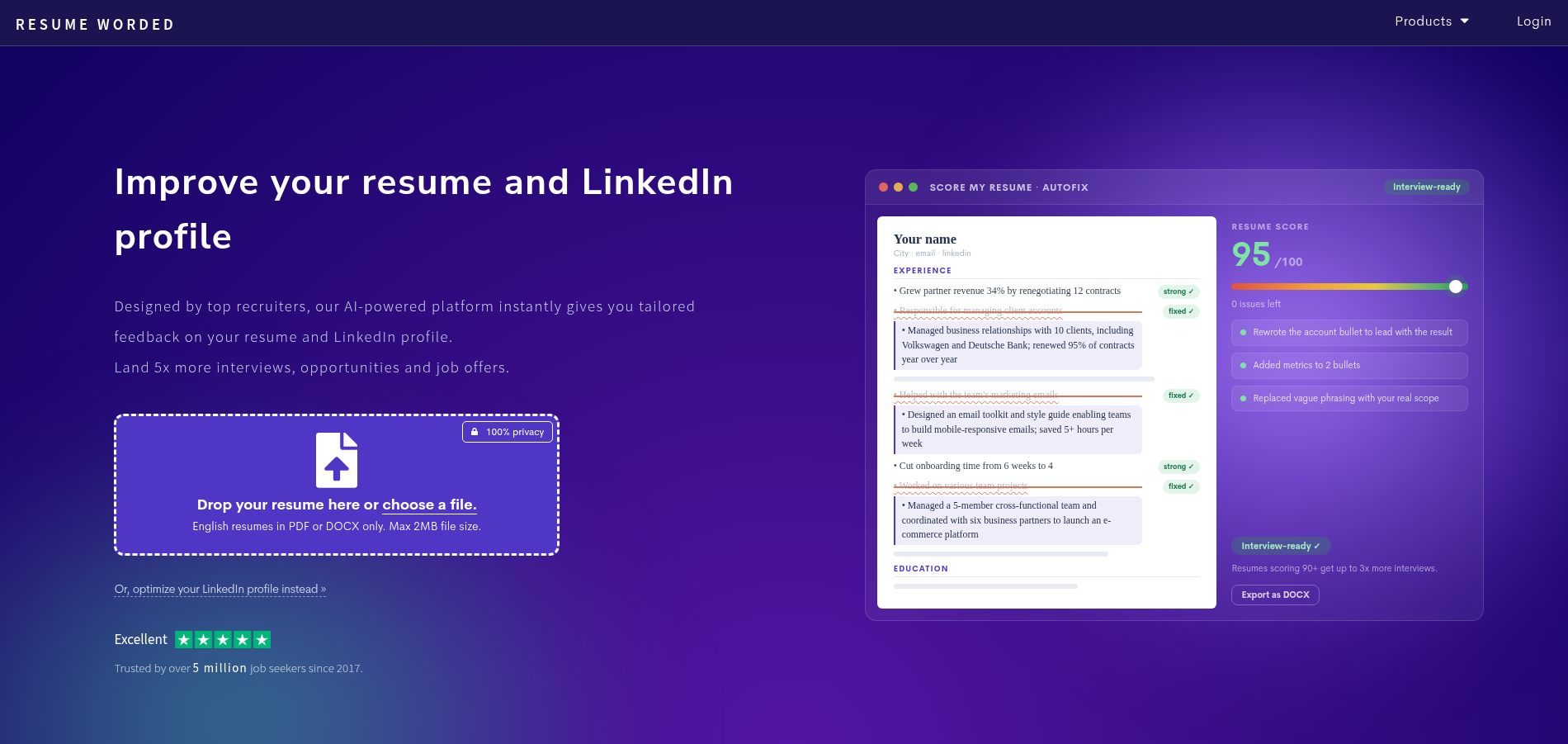
Best for: Improving resume wording and LinkedIn content.
Resume Worded focuses more on analyzing and improving existing career documents than building an entire job-search workflow.
It can provide feedback on resume content and LinkedIn profiles and help identify areas that could be clearer, stronger, or more relevant to a target role.
Key features
- Resume scoring
- Resume feedback
- Keyword comparison
- LinkedIn profile review
- Content improvement suggestions
Free option: A limited free assessment is available.
Limitation: It is more focused on content feedback than complete file-level ATS parsing, so it can be useful alongside an ATS checker rather than as your only resume check.
8. Huntr – AI Resume Tailoring and Job Tracking
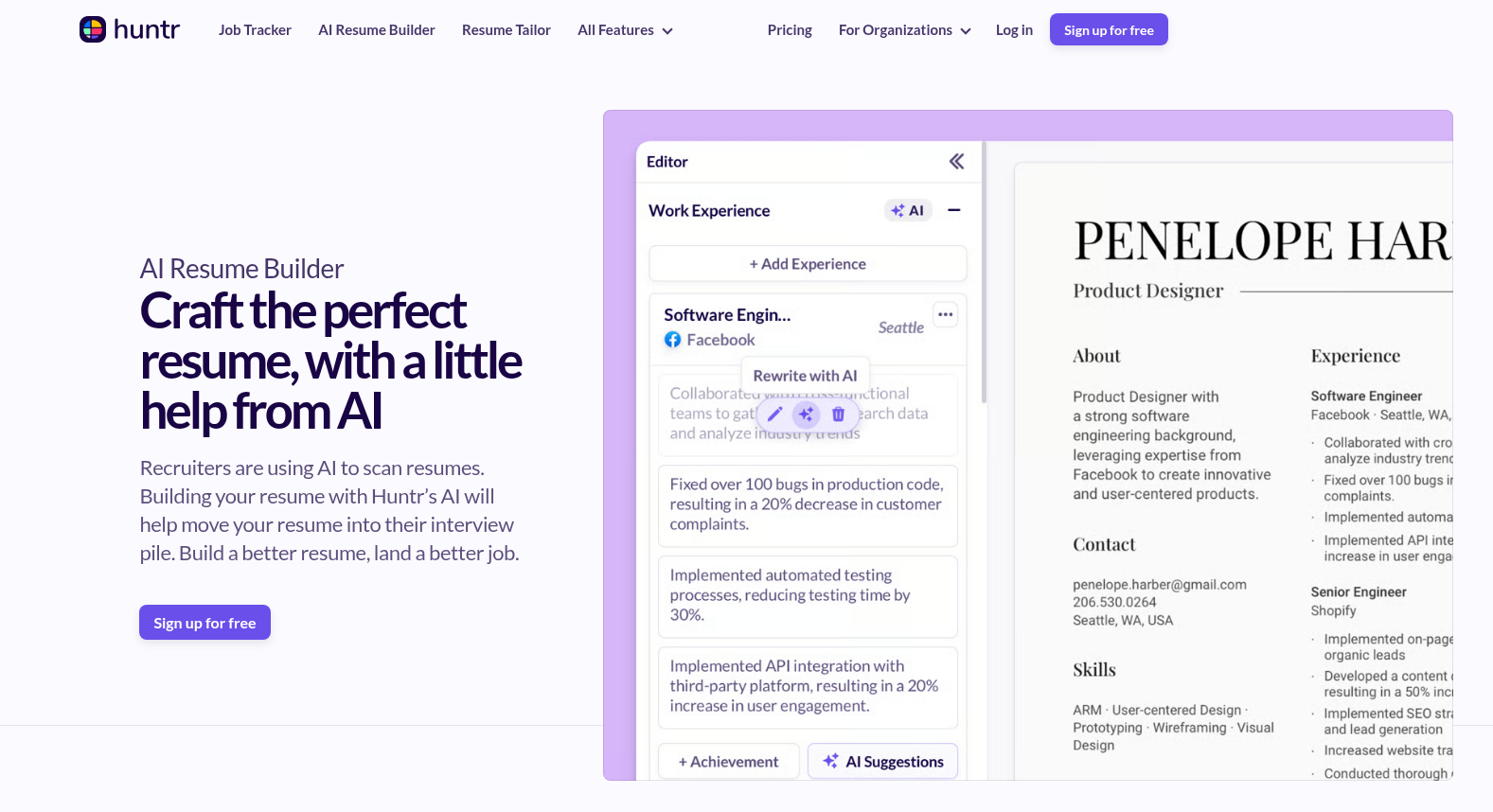
Best for: Tailoring resumes to individual jobs and organizing applications.
Huntr combines an AI resume builder, job tracker, resume scoring, job matching, application tracking, cover letters, and application autofill.
Its current free plan includes unlimited base resumes, two job-tailored resumes, basic resume scoring, basic job matching, and tracking for up to 100 jobs. Its Pro plan is currently $40/month, with quarterly and biannual billing options also available. (Huntr pricing)
Huntr also published its Q1 2026 Job Search Trends Report based on job-tracking data and survey responses. The report found that applications using tailored resumes had a higher interview conversion rate than applications using untailored resumes within its dataset. Huntr notes that its data has limitations because interview outcomes can be underreported by users.
Key features
- AI resume tailoring
- Resume scoring
- Job matching
- Job tracker
- AI cover letters
- Application autofill
- Resume analysis
Free option: Yes.
Best use: Creating different resume versions for different target roles.
9. LinkedIn Premium Career – Job Search and Profile Optimization
Best for: Job seekers who already use LinkedIn heavily.
LinkedIn Premium Career combines job-search features, profile-writing assistance, AI-powered job insights, advanced search filters, InMail, LinkedIn Learning, and AI-powered coaching.
Current Premium Career features include Top Applicant Jobs, Top Choice Jobs, advanced search filters, AI-powered insights on job posts, profile-writing assistance, and LinkedIn Learning.
LinkedIn currently lists Premium Career pricing starting at US$39.99/month, with localized pricing available in some currencies. (LinkedIn Premium Career)
Key features
- AI job-post insights
- Profile-writing assistance
- Advanced job search
- Top Applicant Jobs
- Top Choice Jobs
- InMail
- LinkedIn Learning
- AI-powered coaching
Free option: Basic LinkedIn remains free.
Important: Some AI features have regional availability limitations, so Indian users should check which features are available on their account.
10. myjobb AI – India-Focused Job Search
Best for: Job seekers specifically searching for jobs across Indian platforms.
India-focused AI job-search tools have become increasingly visible in 2026. myjobb positions its product around job discovery, resume support, referrals, applications and automated job searching, with coverage including platforms such as Naukri, Foundit, Hirist and Instahyre.
Key features
- AI job matching
- Job discovery
- Resume tailoring
- Application assistance
- India-focused job-board coverage
- Referral-related features
Free option: The company’s 2026 comparison page describes plans beginning at ₹0.
Limitation: Coverage and automation capabilities can vary by job platform and application type.
Best use: Exploring AI-assisted job discovery specifically within the Indian job market.
11. Jobsapply – Automated Job Search for India
Best for: Job seekers interested in AI-assisted applications across Indian job platforms.
Jobsapply’s 2026 India-focused research covers automated applications, resume tailoring and referral discovery. It specifically discusses Indian platforms such as Naukri, Foundit, Hirist and Instahyre.
Key features
- AI job matching
- Resume tailoring
- Automated applications
- Referral discovery
- Indian job-platform coverage
Free option: The company reports a free plan.
Limitation: Automation should be used carefully. Always review application details before allowing a tool to submit information on your behalf.
Best use: Reducing repetitive application work while keeping control over which jobs you apply to.
12. Yoodli – AI Mock Interviews and Speaking Practice
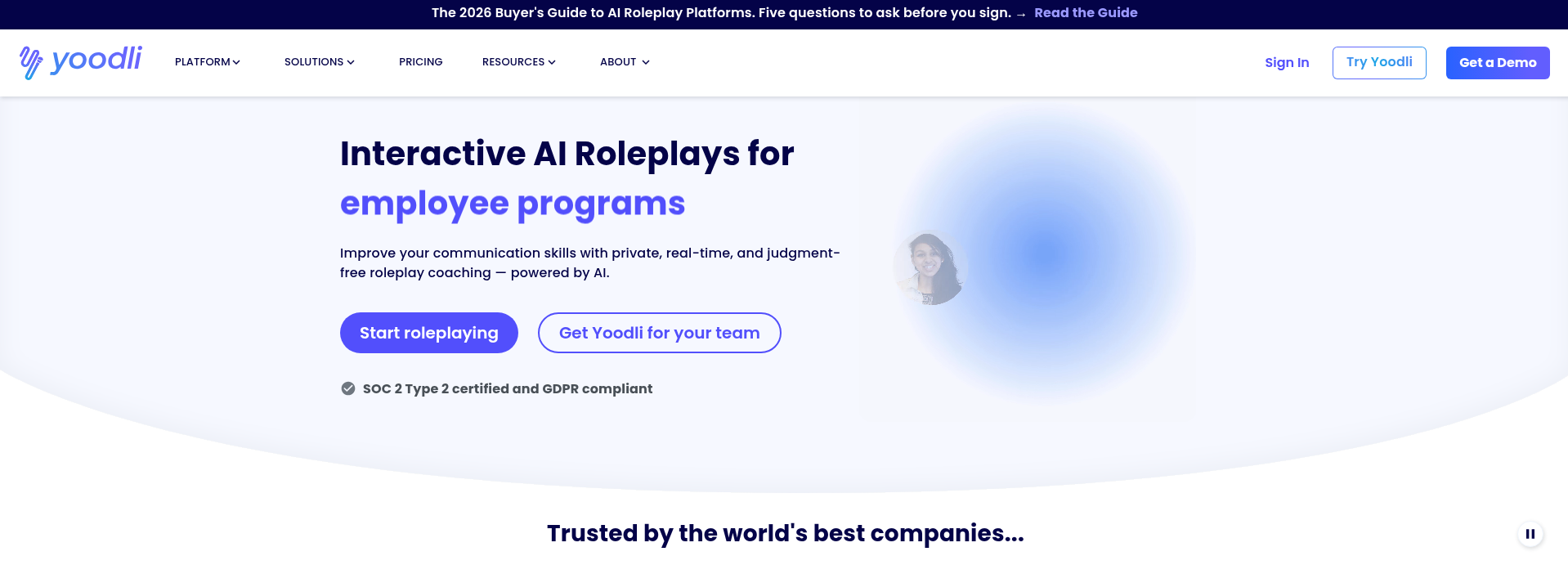
Best for: Practicing how you communicate during interviews.
Yoodli focuses on spoken communication and AI roleplay. It can simulate interview-style conversations and provide feedback on aspects of your delivery.
Its current individual plans include a free tier, with paid plans providing additional roleplay capacity and analytics. Yoodli currently offers individual plans including a Starter tier, with Pro and Advanced plans providing additional roleplay capacity and features. (Yoodli Pricing)
Key features
- AI interview roleplays
- Speaking feedback
- Practice conversations
- Communication analysis
- Interview scenarios
Free option: Yes, with limitations.
Limitation: Tools that analyze speaking delivery cannot replace preparation for the actual technical, role-specific, or behavioral content of an interview.
Best use: Practicing concise answers, pacing, and communication.
13. Final Round AI – Interview Preparation
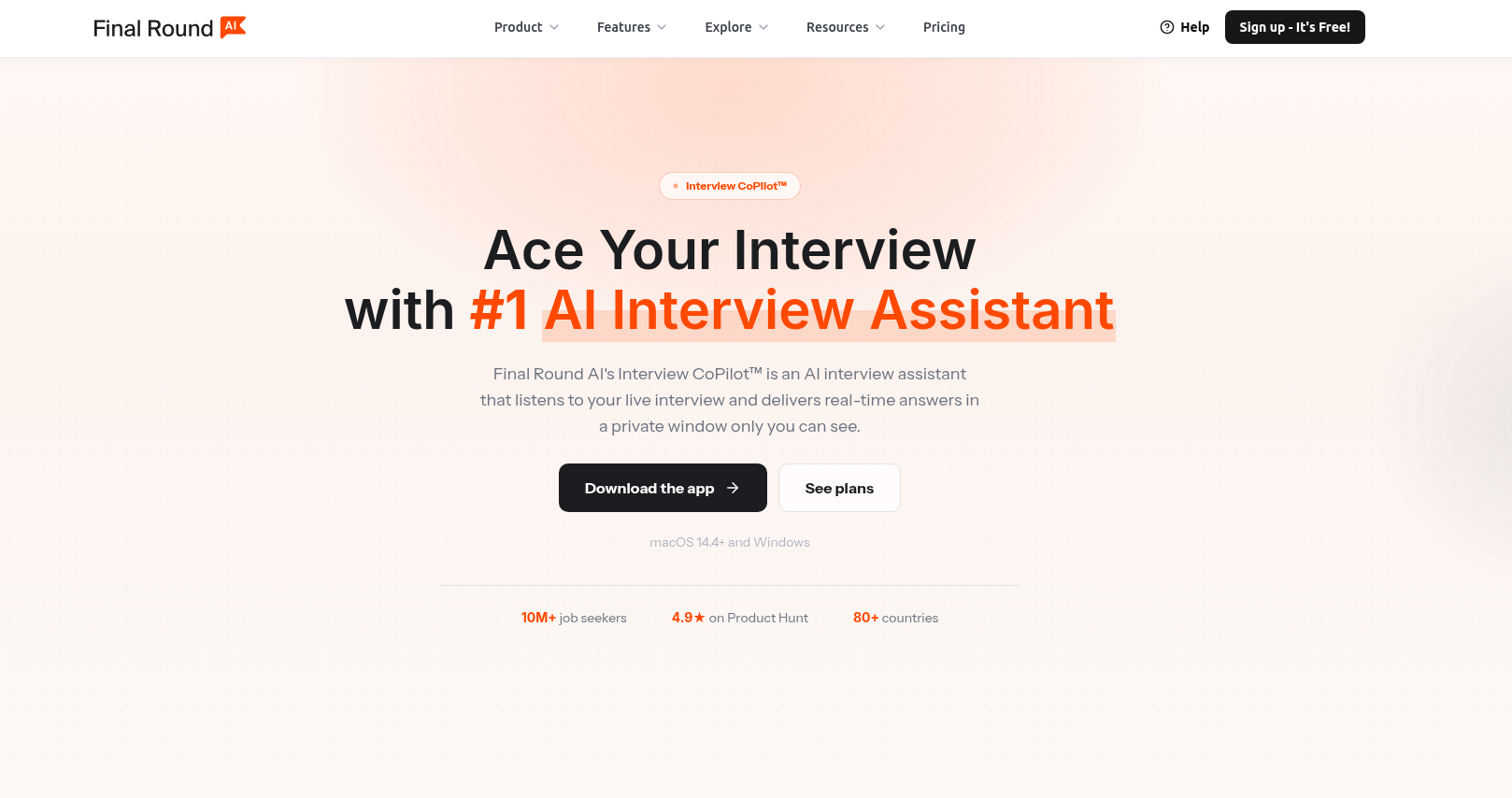
Best for: Structured interview preparation and interview simulations.
Final Round AI provides interview-preparation features including mock interview practice and AI interview assistance.
Its 2026 product information describes an Interview CoPilot that provides real-time response guidance and supports behavioral and technical interview formats, alongside pre-interview preparation and post-interview review features.
Key features
- Mock interviews
- Interview preparation
- AI interview assistance
- Behavioral interview practice
- Technical interview preparation
- Post-session review
Free option: Availability varies by feature and plan.
Important consideration: Tools designed to provide real-time assistance during an actual interview raise different ethical and policy considerations from tools used purely for practice. For normal interview preparation, use the practice and coaching features rather than relying on AI during a live assessment unless the interviewer explicitly permits it.
14. Big Interview – Structured Interview Practice
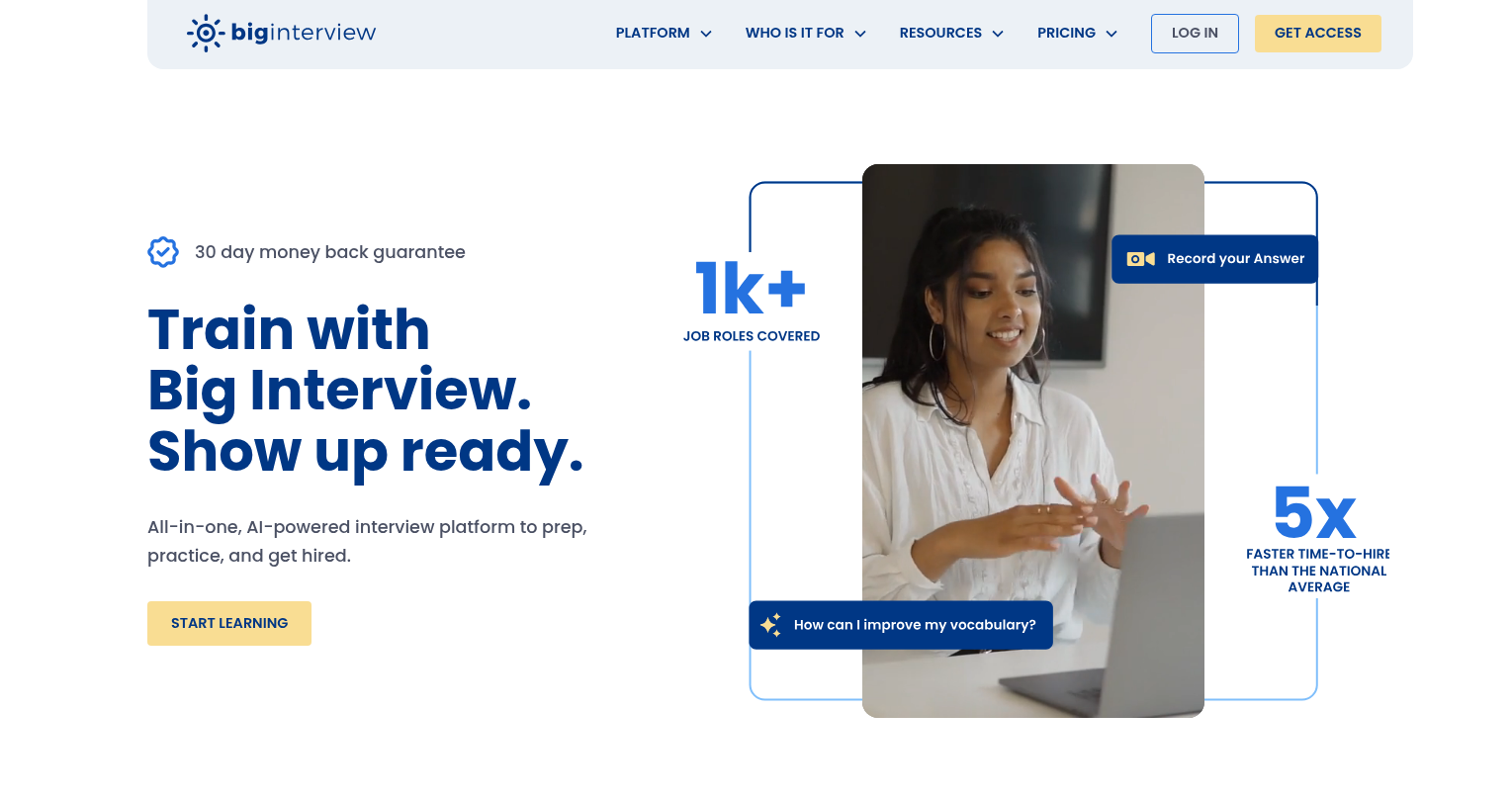
Best for: Job seekers who prefer structured interview courses and practice.
Big Interview combines interview-learning material with practice tools and simulated interview preparation.
Current 2026 pricing reported for the platform includes a 30-day plan, three-month plan, and lifetime option, while free access can also be available through participating universities or organizations.
Key features
- Interview lessons
- Practice interviews
- Interview question preparation
- Recorded practice
- Feedback
- Structured preparation
Free option: Availability can depend on institutional access.
Best use: Candidates who want a structured interview-preparation program rather than only an AI chatbot.
15. AIApply – Resume, Cover Letter and Interview Tools
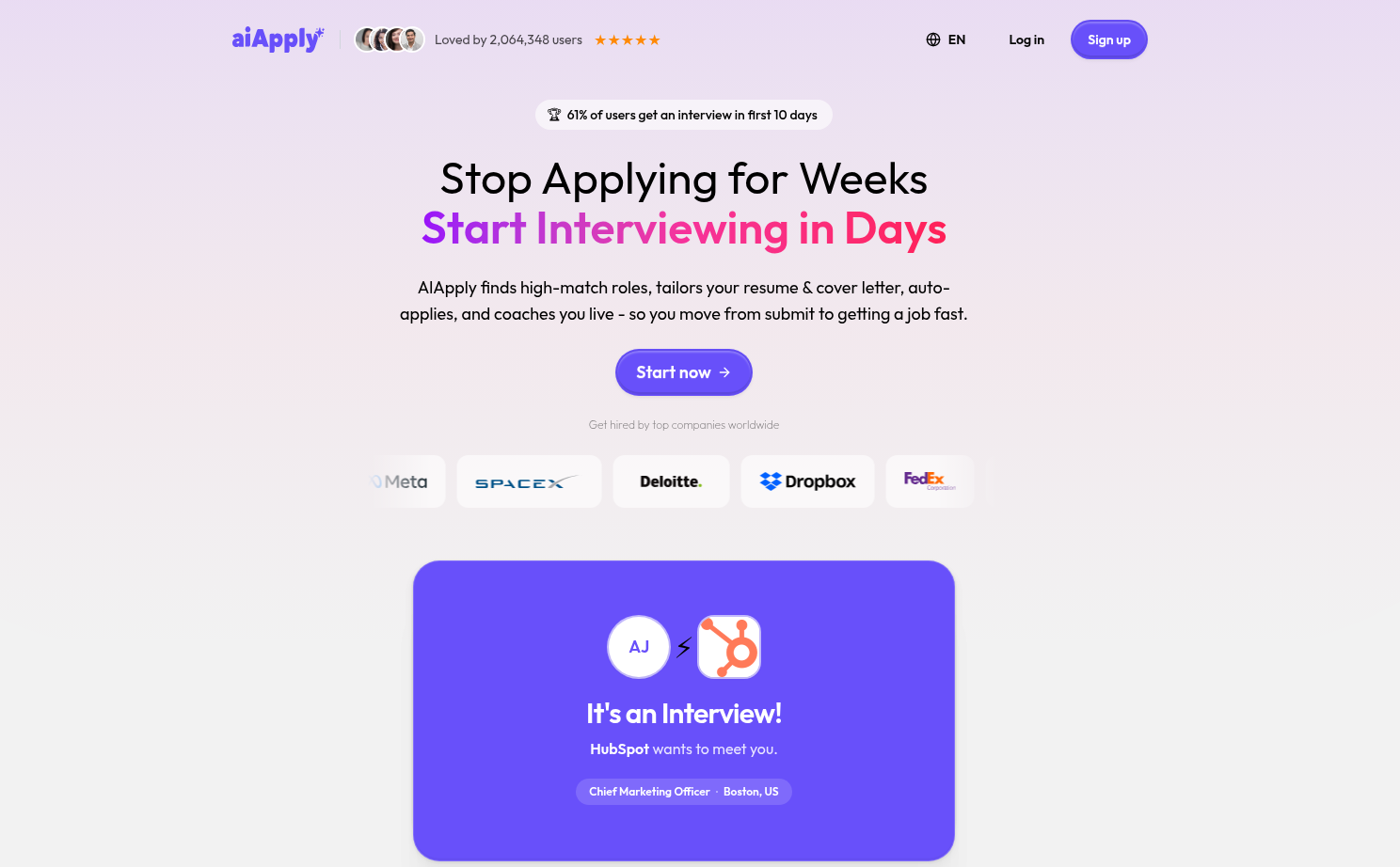
Best for: Job seekers who want several AI application tools in one platform.
AIApply provides tools for resume creation, cover letters, application kits and interview preparation. Its current Premium Toolkit includes a Resume Builder, Cover Letter Generator, Application Kit and Mock Interview Tool. AIApply also offers separate products for automated applications and resume customization.
The current Premium Toolkit is listed at $29/month or $144/year, while other services such as Auto Apply are sold separately.
Key features
- AI resume builder
- Cover-letter generator
- Application kit
- Mock interview
- Resume customization
- Job matching
- Optional automated applications
Free option: Some free access/trial options are available depending on the product.
Limitation: Several features are sold as separate products, so check exactly which subscription includes the feature you need.
Which AI Tool Should You Use?
You do not necessarily need all 15 tools.
The right choice depends on the problem you are trying to solve.
| If you want to… | Useful tool types |
| Build a resume | JobGrin, Rezi, Teal, Kickresume |
| Check ATS compatibility | Jobscan, Rezi, Kickresume |
| Improve resume content | Resume Worded, Huntr, Careerflow |
| Tailor a resume to a job | Huntr, Teal, Jobscan, Rezi |
| Track applications | Teal, Huntr, Careerflow |
| Improve LinkedIn | LinkedIn Premium Career, Careerflow, Resume Worded |
| Find India-focused opportunities | JobGrin, myjobb AI, Jobsapply |
| Practice interviews | Teal, Yoodli, Big Interview |
| Prepare for interviews | Final Round AI, Big Interview, Yoodli |
| Create cover letters | Teal, Rezi, Huntr, AIApply |
| Identify career/skill gaps | Careerflow, LinkedIn Learning |
How to Use an AI Resume Builder Properly
An AI resume builder can save time, but you should not simply enter a job title and submit whatever it produces.
A better process is:
Step 1: Create your master resume
Enter your actual:
- Education
- Work experience
- Projects
- Skills
- Certifications
- Achievements
- Internships
Step 2: Add the target job description
Give the AI tool the exact job description whenever the tool supports job-specific tailoring.
Step 3: Compare the requirements
Look for:
- Required skills
- Preferred skills
- Tools and technologies
- Experience requirements
- Certifications
- Responsibilities
Step 4: Tailor your resume
Use AI to identify relevant parts of your experience and improve their wording.
Step 5: Verify everything
This is essential.
AI should never invent:
- Job responsibilities
- Certifications
- Degrees
- Companies
- Job titles
- Achievements
- Numbers
- Years of experience
- Technical skills
Step 6: Run an ATS check
Use an ATS checker as a second review rather than treating its score as a guarantee.
What Is an ATS Resume Checker?
An Applicant Tracking System, or ATS, is software used by organizations to manage and process job applications.
An ATS resume checker attempts to identify issues that may affect how a resume is read or matched against a job description.
Depending on the tool, it may examine:
- Keywords
- Resume sections
- Formatting
- Job-description alignment
- Skills
- Experience
- Readability
- Missing information
However, an ATS score is not a hiring score.
A resume receiving a 90% match from one tool does not mean you have a 90% chance of getting an interview.
Different companies use different systems, configurations, screening processes and human reviews.
Should You Use a Free ATS Resume Checker?
Yes, if you want an additional review before applying.
Your keyword research shows substantial India search demand around “ATS resume checker” and “free ATS resume checker.”
However, don’t use an ATS checker simply to increase a number.
Instead, ask:
- Does my resume contain relevant skills?
- Does it accurately represent my experience?
- Are the important qualifications easy to find?
- Are the sections clearly structured?
- Does the resume use standard terminology?
- Did I tailor it to this specific job?
- Did the AI add anything that isn’t true?
The goal is a relevant and accurate resume, not the highest possible AI score.
How AI Can Help With Job Searching
AI can make job searching more efficient, but more applications are not automatically better applications.
For example, an AI job-matching tool can help you identify roles based on:
- Skills
- Experience
- Job title
- Location
- Industry
- Career interests
Some India-focused tools now specifically discuss support for platforms such as Naukri, Foundit, Hirist and Instahyre.
Before applying, however, check:
- Is the job relevant?
- Do you meet the major requirements?
- Is the company legitimate?
- Is the job still active?
- Are the application details correct?
- Did the AI misunderstand your experience?
How to Use AI for Interview Preparation
AI mock interviews can be useful because you can practice repeatedly without needing another person available every time.
Try this process:
Practice common questions
Start with:
- Tell me about yourself.
- Why are you interested in this role?
- Why should we hire you?
- What are your strengths?
- What is a professional challenge you faced?
- Tell me about a project you worked on.
Then make the questions role-specific
Give the AI your actual job description and ask it to create questions based on:
- Required skills
- Responsibilities
- Industry
- Seniority
- Technical requirements
Practice your answers aloud
Don’t only type answers.
Speaking forces you to organize your thoughts under realistic conditions.
Review the feedback
Look for:
- Rambling
- Repetition
- Weak examples
- Lack of specific results
- Unclear explanations
- Excessive filler words
Then practice again. After the real interview, send a follow-up email to stay on the recruiter’s radar.
Can AI Write Your Cover Letter?
Yes, but don’t submit a completely generic AI-generated cover letter.
A useful cover letter should connect:
Your experience → the job requirement → why the connection matters.
Instead of asking:
“Write me a cover letter for a marketing job.”
provide:
- Your experience
- Your relevant achievements
- The job description
- The company name
- The position
- Why you are interested
Then edit the result so it sounds like you.
How to Use AI Without Making Your Resume Generic
One of the biggest problems with AI-generated applications is that many candidates can end up using similar language.
To avoid this:
Use real examples
Instead of:
“Results-driven professional with excellent communication skills.”
Use a specific accomplishment that demonstrates those skills.
Add numbers where they are real
For example:
- Increased organic traffic by 35%
- Managed 40 client accounts
- Reduced processing time by 20%
Only use numbers that you can verify.
Keep your own voice
AI can improve clarity without replacing your personality.
Tailor instead of copying
A tailored resume should reflect the actual requirements of the role—not simply contain every keyword from the job description.
Are AI Job-Search Tools Safe?
Before uploading your resume to any AI service, consider what information you are sharing.
Your resume can contain:
- Full name
- Email address
- Phone number
- Location
- Employment history
- Education
- Professional profiles
- Certifications
Before using an unfamiliar tool, review its privacy policy and understand how your information is stored and processed.
You should also be careful with browser extensions and automated application tools because they may interact with job sites or application forms on your behalf.
Good practice
- Don’t upload unnecessary personal information.
- Read the privacy policy.
- Use reputable services.
- Review application information before submission.
- Don’t give a tool access it doesn’t need.
- Delete stored data when appropriate.
- Check subscription renewal terms before starting paid plans.
Do AI Resume Tools Guarantee an Interview?
No.
An AI resume builder can help you structure and improve your resume, but it cannot guarantee an interview.
Your results can still depend on:
- Your qualifications
- Relevant experience
- The job requirements
- Competition
- Location
- Industry
- Application quality
- The employer’s hiring process
- Interview performance
Treat an AI tool as an assistant, not as a guarantee.
How We Selected These AI Tools
For this list, we looked beyond generic “best AI tools” articles.
The research considered:
- Current product availability
- Official product information
- Current free features
- Public pricing
- AI capabilities
- Resume and ATS functionality
- Interview functionality
- Job-search functionality
- India relevance
- Practical limitations
- Privacy considerations
- Current 2026 information
We also reviewed current 2026 job-search coverage from resources including Clutch, Monster, myjobb AI, Jobsapply, and India-focused career resources, while checking official product pages where possible.
For example, current India-focused research shows increasing emphasis on Naukri, Foundit, Hirist and Instahyre, while global tools often focus on LinkedIn, Indeed and company career pages.
That is why India availability and job-platform compatibility should be considered before choosing an AI job-search tool.
Frequently Asked Questions
What is the best AI tool for job seekers?
There isn’t one tool that is ideal for every job seeker. The right choice depends on what you need: resume building, ATS checking, job matching, LinkedIn optimization, interview practice, or application management.
What is the best AI resume builder?
Tools such as JobGrin, Rezi, Teal, Kickresume, Careerflow and Huntr offer AI-assisted resume-building features. Compare their free limits, templates, tailoring features and ATS capabilities before choosing one.
What is an ATS resume checker?
An ATS resume checker analyzes a resume for factors such as formatting, keywords, sections and alignment with a job description. It can help identify potential issues before you apply.
Is there a free ATS resume checker?
Yes. Several platforms provide free or limited ATS checking, although the number of scans or advanced features may be restricted.
Can AI create my resume?
Yes. AI resume builders can generate and improve resume content based on information you provide. However, you should always verify every statement before submitting the resume.
Can AI tailor my resume to a job description?
Yes. Tools such as Jobscan, Rezi, Teal and Huntr provide job-specific resume matching or tailoring features.
Can AI help me prepare for an interview?
Yes. AI interview tools can generate questions, simulate interviews and provide feedback on your responses. Tools such as Teal and Yoodli currently provide interview-practice functionality.
Should I use AI to apply for hundreds of jobs?
Not necessarily. Automated applications can save time, but applying to irrelevant positions can reduce the quality of your job search. It is generally better to use AI to identify relevant opportunities and tailor your applications while reviewing submissions yourself.
Is AI-generated resume content safe to use?
It can be useful, but you should verify everything. Never allow AI to create false qualifications, experience, achievements, certifications or skills.
Are AI job-search tools useful for Indian job seekers?
Some are, but availability and job-board coverage vary. Indian job seekers should check whether a tool supports the platforms and types of jobs they actually use. India-focused tools increasingly advertise compatibility with platforms such as Naukri, Foundit, Hirist and Instahyre.
Final Takeaway
AI can make your job search faster, but the goal should not be to let AI make every decision for you.
Use an AI resume builder to create a strong foundation. Use an ATS resume checker to identify potential issues. Use AI to tailor your resume and cover letter to relevant jobs. Use AI mock interviews to practice your answers. Use job-matching tools to discover opportunities that actually fit your skills.
Most importantly, review everything before you submit it.
The strongest use of AI in a job search is not simply producing more applications. It is helping you make better-informed, more relevant and more accurate applications while keeping your real experience at the center of the process.
If you’re starting with your resume, you can use the JobGrin Resume Builder to create an ATS-friendly resume and then continue tailoring it for the roles you want to apply for.
Leave a Reply